Event Planning Timeline: 12-Month Checklist + Template

Sheriff Subair
Content Contributor, HeySummit
An event planning timeline is a working schedule that turns your event idea into dated tasks, owners, dependencies, and checkpoints. It helps you see what needs to happen 12 months out, 6 months out, in the final week, on event day, and after the event is over.
For a large conference, summit, or hybrid event, start 9 to 12 months ahead when you can. For a small webinar, workshop, or meetup, you can often compress the plan into 6 to 10 weeks, but you still need the same core milestones: goal, budget, event page, registration, speakers or content, promotion, delivery, reporting, and follow-up.
This guide gives you a copyable 12-month event planning timeline, plus shorter variants for online events, multi-speaker summits, hybrid events, and in-person events. Use it as a starting template, then remove anything that does not apply to your format.
Define the timeline before you build the checklist
An event planning timeline is a chronological checklist of event tasks arranged by deadline. Cvent describes an event timeline as a checklist of steps, stages, and deadlines for creating an event, including budget, task ownership, and coordination across groups (Cvent event planning timeline guide).
The useful version is more than a list of tasks. It should show:
- When each task is due: for example 12-9 months, 9-6 months, 6-3 months, 3-1 months, final week, day-of, and post-event.
- Who owns it: event lead, marketing, speaker manager, sponsor lead, operations, finance, tech, or customer success.
- What it depends on: budget approval, venue or platform decision, speaker confirmations, registration page, creative assets, or email segments.
- How you will check progress: weekly planning meetings, registration targets, speaker onboarding status, sponsor deliverables, rehearsal completion, and post-event reporting.
If you are choosing the broader event stack during planning, review the full event platform workflow early. The platform decision affects registration, tickets, speakers, email reminders, video, replays, analytics, and how much manual coordination your team needs later.
Copyable 12-month event planning timeline
Use this as your master timeline. For a smaller event, keep the phases but shorten the dates. For a large in-person, hybrid, or multi-speaker online event, give yourself the full runway whenever possible.
| Phase | Main goal | Core tasks | Owner | Dependencies | Checkpoint |
|---|---|---|---|---|---|
| 12-9 months out | Set the event strategy | Define audience, goals, budget, format, date range, revenue model, rough agenda, success metrics, and platform or venue needs. | Event lead | Leadership approval, target audience, budget range | Approved event brief with goals, format, budget, and decision owner |
| 9-6 months out | Secure the foundation | Confirm venue or event platform, ticket strategy, sponsor packages, speaker targets, content tracks, registration requirements, and production needs. | Operations and program lead | Budget, date, event format, vendor shortlist | Platform or venue chosen, first speaker/sponsor outreach live |
| 6-3 months out | Launch the attendee journey | Build the event website, open registration, publish initial agenda, confirm speakers, create promotional calendar, set up email flows, and test checkout. | Marketing and speaker lead | Brand assets, confirmed sessions, ticket rules, email segments | Registration page live, first campaign sent, speaker dashboard or onboarding live |
| 3-1 months out | Drive demand and lock logistics | Increase promotion, finalize sponsor deliverables, collect speaker materials, confirm vendors, prepare run-of-show, test integrations, and review registration pace. | Marketing, sponsorships, and operations | Agenda, sponsor commitments, venue/platform access, reporting needs | All critical sessions, sponsors, and event-day owners confirmed |
| Final week and day-of | Execute calmly | Run rehearsals, send attendee reminders, verify links and rooms, brief staff, check backups, monitor registration, run the event, and capture proof. | Event producer | Run-of-show, speaker readiness, attendee communications, tech access | Rehearsal complete, escalation plan shared, event delivered |
| 1-4 weeks after | Turn the event into learning and follow-up | Send replays, thank speakers and sponsors, publish follow-up emails, review revenue and attendance, share reports, repurpose content, and document lessons. | Event lead and marketing | Attendance data, replay files, sponsor proof, survey responses | Post-event report complete and next-event actions agreed |
Project tools can help once the timeline is clear. Asana recommends using an event planning template to track budget, timeline, guest list, logistics, milestones, and post-event results in one place (Asana event planning template). The key is not the tool itself; it is whether your team can see owners, deadlines, dependencies, and current status without asking in another channel.
12-9 months out: set the event strategy
The first phase is about clarity. Decide what the event is supposed to accomplish before you lock in vendors, platforms, speakers, or promotion plans.
- Define the audience: who should attend, what they need, and why the event is worth their time.
- Choose the format: online, in-person, hybrid, on-demand, single workshop, webinar series, conference, summit, or community event.
- Set the business goal: revenue, leads, customer education, partner activation, community growth, sponsor value, product launch, or authority building.
- Set the budget: venue or platform, production, speaker costs, creative, ads, email tools, sponsor operations, staffing, and contingency.
- Pick success metrics: registrations, attendance rate, ticket revenue, sponsor deliverables, qualified leads, replay views, content engagement, survey scores, or customer retention.
This is also when to choose whether your event needs a general project tracker, a simple registration page, or a complete event workflow. If the event includes tickets, speakers, streaming, replays, sponsors, affiliates, and analytics, plan around a connected event platform rather than separate tools that need manual stitching later.
9-6 months out: secure your foundation
Once the strategy is approved, turn it into the operating base for the event. This is where delays can quietly damage everything downstream.
- Confirm the date, venue, event platform, or virtual delivery setup.
- Decide ticket types, free versus paid access, replay access, discount codes, bundles, and refunds.
- Build a speaker shortlist and start outreach for high-value sessions.
- Draft sponsor packages, benefits, fulfillment proof, and sales materials.
- Create the first agenda structure, even if individual sessions are not final.
- Identify legal, compliance, accessibility, recording, privacy, and insurance requirements.
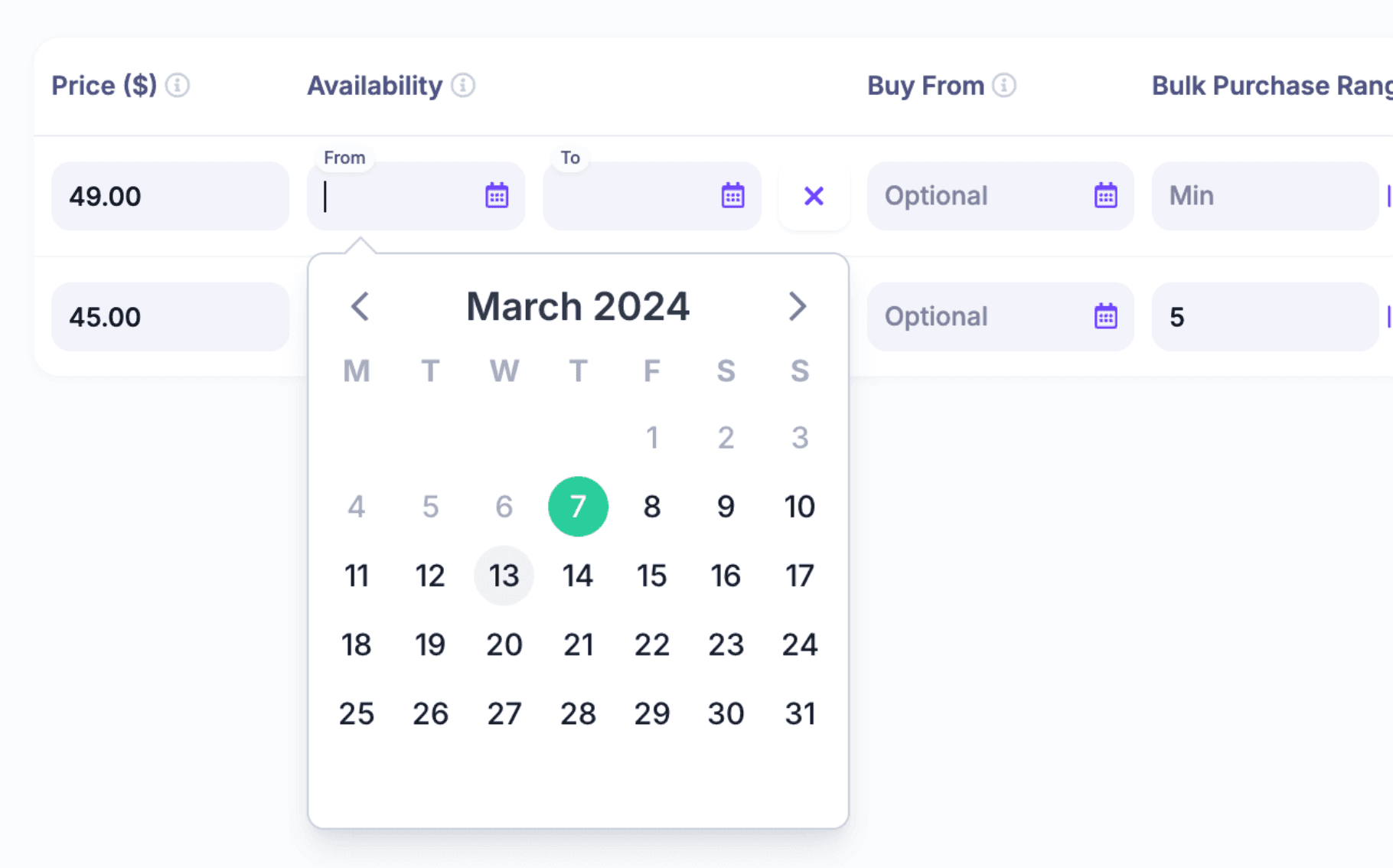
If the event has paid access, get the event ticketing structure into the timeline now. Ticket tiers, early-bird dates, replay access, coupons, donations, add-ons, and payment settings all affect launch timing.
6-3 months out: launch registration and speaker workflows
By this phase, the event needs to become public. Registration should be live, the first promotion should be moving, and your speaker or content workflow should be organized enough that contributors know what is expected.
- Build the event website and registration path with clear agenda, audience fit, speakers, dates, ticket options, and FAQs.
- Set up the event landing page builder or registration page builder before promotion starts.
- Open registration and test the full attendee journey from landing page to confirmation email.
- Create the promotional calendar for email, partner posts, speaker posts, paid campaigns, and community announcements.
- Invite speakers into a speaker dashboard or equivalent workspace for bios, session details, headshots, slide deadlines, and technical instructions.
- Confirm video, streaming, replay, and captioning requirements for online or hybrid sessions.
For online, hybrid, and on-demand events, the event website is not just a marketing page. It is the entry point for registration, tickets, calendar reminders, session access, replays, and follow-up. Check that all links, emails, and access rules work before you drive traffic.
3-1 months out: drive demand and lock logistics
This phase is where the event starts to feel real. Promotion intensifies, speakers need firmer deadlines, sponsor deliverables need proof plans, and the run-of-show starts to matter.
- Review registration pace against the target and adjust promotion if needed.
- Send partner, sponsor, affiliate, and speaker promotional assets.
- Collect speaker materials, talk titles, descriptions, slides, headshots, bios, and recording permissions.
- Confirm sponsor placements, landing pages, offers, booth assets, mentions, or session associations.
- Prepare the run-of-show with timings, transitions, staff roles, speaker links, backup links, and escalation steps.
- Test payment, registration, email, calendar, webinar, streaming, and CRM integrations.
- Set up custom event emails for reminders, final instructions, replay access, and post-event follow-up.
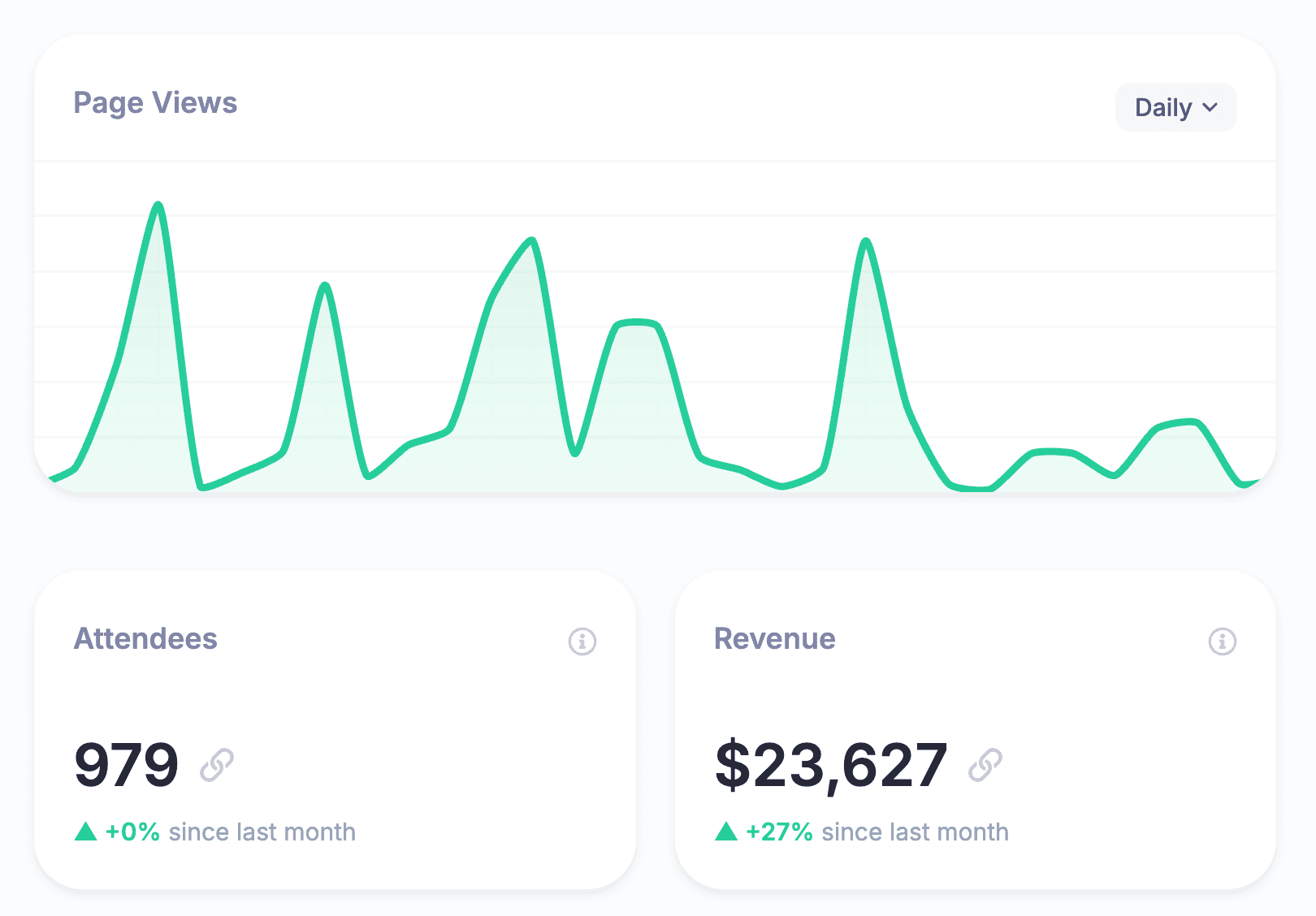
Do not wait until the final week to decide how you will measure the event. Set up reporting and analytics before the event so you can track registrations, attendance, revenue, replay engagement, source performance, and sponsor proof as the event unfolds.
Final week and day-of: execute the plan
The final week is not the time to invent the event. It is the time to confirm, rehearse, simplify, and make sure everyone knows what happens when something changes.
Final-week checklist
- Run a full rehearsal with hosts, speakers, moderators, production, and support.
- Verify venue access, room setup, virtual room links, livestream settings, recording settings, and backup access.
- Send final attendee reminders with date, time, location or join link, calendar details, and support contact.
- Brief staff on the run-of-show, roles, escalation path, and communication channel.
- Confirm speaker arrival times, technical checks, slide versions, and backup files.
- Check sponsor placements, booths, slides, mentions, QR codes, links, and lead-capture forms.
- Prepare a day-of issue log so the team can track fixes without losing context.
Day-of checklist
- Open the venue or virtual room early for staff and speaker checks.
- Monitor registration, attendee support, chat, session transitions, and recording status.
- Keep one person focused on attendee experience and one person focused on technical delivery.
- Capture screenshots, photos, sponsor proof, attendance data, chat highlights, and issues to review later.
- Record decisions made live, especially agenda changes, sponsor changes, and technical incidents.
For virtual or hybrid events, treat the platform rehearsal like a venue walkthrough. Test the attendee path, speaker path, moderator path, recording workflow, replay workflow, email reminders, and support process before people arrive.
1-4 weeks after: follow up and report
Many event timelines stop too early. The post-event phase is where you turn the event into revenue, learning, content, sponsor value, and a better next event.
- Send replay access, attendee thank-you emails, no-show follow-up, and sponsor or speaker thank-you notes.
- Publish recordings, transcripts, highlight clips, session resources, and on-demand access where relevant.
- Review registrations, attendance, revenue, refunds, source performance, email performance, content engagement, and survey feedback.
- Prepare sponsor reports with delivered benefits, screenshots, attendance context, and honest notes on what changed.
- Follow up with sales, customer success, partners, or community leads while attendee interest is still warm.
- Run a retrospective and update the timeline template before your team forgets the messy details.
Adjust the timeline by event format
The master timeline works best when you adapt it by format. HeySummit supports multiple event formats, and each format changes which tasks need more time.
| Event format | Typical planning window | Tasks you can compress | Tasks that need extra care |
|---|---|---|---|
| Small webinar or workshop | 6-10 weeks | Sponsor packages, complex venue operations, long speaker outreach | Topic, registration page, reminders, presenter prep, replay delivery, follow-up |
| Multi-speaker online summit | 3-6 months | Physical venue tasks, onsite logistics | Speaker onboarding, session schedule, partner promotion, ticket tiers, video/replay access, analytics |
| Hybrid event | 6-12 months | Very little; hybrid adds parallel tracks | Venue, livestream, online attendee experience, speaker tech, recordings, staffing, support |
| In-person event | 6-12 months | Virtual room setup if no digital attendance path exists | Venue, vendors, permits, catering, check-in, signage, travel, onsite staffing, contingency plans |
| Online event with replays | 2-4 months | Venue and onsite setup | Platform setup, access rules, speaker tech checks, reminders, recording quality, replay permissions |
Bizzabo's current State of Events material points event teams toward 2026 planning, budget, staffing, and operational benchmarks (Bizzabo 2026 State of Events benchmark report). Use benchmarks like that as context, not as a substitute for your own event constraints. A small creator workshop and a corporate field event should not share the same timeline just because both are events.
Timeline, checklist, and run-of-show are not the same thing
Timeline, checklist, and run-of-show are related, but they are not interchangeable.
| Planning tool | What it answers | When to use it |
|---|---|---|
| Event planning timeline | When does each phase and milestone need to happen? | Use from the first planning meeting through post-event reporting. |
| Event checklist | What tasks must be completed? | Use inside each phase to make work visible and assignable. |
| Run-of-show | What happens minute by minute on event day? | Use during rehearsals, live production, session transitions, and staff briefings. |
If you already have an event timeline, turn it into a checklist by adding owners and statuses. Turn it into a run-of-show only for the final delivery window, where minute-by-minute timing matters.
Common timeline mistakes to avoid
- Starting with vendors instead of goals: a tool or venue cannot fix an unclear event strategy.
- Opening registration before testing the path: always test the landing page, ticketing, confirmation email, calendar details, and access rules.
- Underestimating speaker coordination: speakers need deadlines, reminders, assets, tech checks, and a single place to submit materials.
- Forgetting sponsor proof: decide what screenshots, links, metrics, and examples you will capture before the event is live.
- Leaving follow-up out of scope: replays, reports, sales handoff, sponsor recaps, and retrospectives belong in the timeline.
- Using one timeline for every event: adapt the plan by event size, format, attendee count, revenue model, and operational risk.
A practical timeline does not need to be fancy. It needs to be visible, owned, current, and connected to the systems your event team actually uses.
Frequently asked questions
Table of Contents
Define the timeline before you build the checklistCopyable 12-month event planning timeline12-9 months out: set the event strategy9-6 months out: secure your foundation6-3 months out: launch registration and speaker workflows3-1 months out: drive demand and lock logisticsFinal week and day-of: execute the plan1-4 weeks after: follow up and reportAdjust the timeline by event formatTimeline, checklist, and run-of-show are not the same thingCommon timeline mistakes to avoidFrequently Asked QuestionsTry HeySummit free
HeySummit is the easiest way for creators and educators to grow their audience, authority and revenue with professional online events created in minutes, not weeks.
Share this article on:
Recent Posts
Loading feed...