Event Management Software for Associations: A Buyer Checklist for Recurring Programmes
-1690817315934-652794559.png&w=96&q=75)
Benjamin Dell
Founder, HeySummit
An association rarely needs event software to replace its association management system (AMS). It needs an event layer that can run the public event journey, hand the right data back to the member record, and leave specialist jobs in the systems designed for them.
That distinction matters because “all-in-one” can hide three very different buying decisions: use the event module inside your AMS, connect an event-first platform to your AMS or customer relationship management (CRM) system, or buy a broader enterprise conference suite. The right choice depends on the programmes you run, the data each system should own, and the failures your team cannot absorb.
HeySummit publishes this guide and appears in the fit assessment. The aim is to give association teams a practical checklist they can use with any vendor, including clear situations where HeySummit is not the right tool.
The short answer: keep member records and event delivery separate
Your AMS or CRM should usually remain the long-term system of record for member identity, status, dues, renewals, chapters, directory information, and relationship history. Your event platform should own the event experience: pages, registration, tickets, sessions, speakers, sponsors, communications, attendee access, replays, and event reporting where configured.
Specialist systems may still own learning records or certification, community activity, fundraising, complex onsite badging and lead retrieval, hotel and venue operations, or a native conference app. The buying test is not whether one product claims every feature. It is whether each record has one clear owner, the systems exchange the minimum correct data, and staff can recover when a handoff fails.
If your organisation is primarily evaluating donor, fundraising, volunteer, or mission-delivery workflows, use the separate guide to event management software for nonprofits. This article is deliberately narrower: recurring member education, conferences, summits, workshops, sponsors, and association event programmes.
What association event management software is—and is not
Association event management software is the event layer used to plan, promote, register, run, and measure member-facing programmes such as conferences, webinars, workshops, summits, and on-demand education. It may coordinate event pages, tickets, sessions, speakers, sponsors, messages, access, replays, and reporting. It does not automatically become the source of truth for the membership relationship.
ASAE's guidance on putting member data to work describes member data as operational infrastructure for jobs including billing, renewals, member information, marketing, and event attendance. That breadth is why event software should exchange data with the member system rather than quietly redefining it.
| Job or record | Usual owner | What the event platform needs | What should return |
|---|---|---|---|
| Member identity, status, chapter, and renewal history | AMS or CRM | Only the status or segment needed for the event journey | Registration, attendance, purchase, and relevant engagement data |
| Event page, agenda, sessions, and access | Event platform | Programme content, dates, speakers, tickets, and access rules | Final URLs, session choices, and attendance data where available |
| Registration questions and consent | Named per field | A clear purpose for every field collected | Only fields that the destination is allowed and prepared to use |
| Payments, refunds, and accounting records | Payment provider and finance system | Ticket, price, order, tax, and payment-state information | Order references, totals, refunds, and reconciliation data |
| Speakers, sponsors, and event assets | Usually event platform | Profiles, sessions, media, placements, and contacts | Participation status and agreed reporting outputs |
| Emails and lifecycle messages | Event platform and CRM, by message | One documented sender for confirmations, reminders, changes, and follow-up | Delivery, preference, and campaign data needed downstream |
| Certification, CE or CPD, and learning records | LMS or certification system | Completion or attendance evidence if supported | The validated record required by the specialist system |
| Onsite badge printing, exhibitor leads, room blocks, and venue operations | Enterprise onsite suite or specialist service | Registration and access data needed on event day | Check-in, lead, and exception data required after the event |
Treat this map as a design decision, not a vendor assumption. The same field should not be edited independently in three systems with no conflict rule.
Start with the programme, not the feature list
Write down one representative programme before you build a shortlist. An annual conference, monthly member webinar, multi-speaker summit, hybrid chapter programme, paid workshop, sponsor-supported series, and replay library all create different risks.
For that programme, record four things:
- Protected outcome: the result that matters enough to design around, such as reliable paid access, a smooth education series, sponsor visibility, or a usable replay library.
- Attendee types: members, non-members, speakers, sponsors, exhibitors, students, chapter leaders, staff, and guests.
- Frequency: one flagship event, a recurring series, or a mixed portfolio. The second event often exposes more operational truth than the first.
- Systems touched: AMS, CRM, payment provider, email platform, webinar or streaming provider, analytics, LMS, community, and finance tools.
Then test every vendor against that programme. A long feature list is not useful if your team still has to rebuild events manually, reconcile member status by spreadsheet, or discover after launch that a crucial report is export-only.
Association event software buyer checklist
Use the following checklist as a working scorecard. For every must-have, ask the vendor to show the workflow with your scenario and leave you with evidence—a test account, export, recording, help article, or contract term.
| Requirement | Demo test | Evidence to request | Red flag |
|---|---|---|---|
| Repeatability and governance Templates, cloning, roles, permissions, ownership, naming, archive, and retention | Build a second event from the first and list exactly what carries over | Clone documentation, permission matrix, event limits, and archive/export process | “Reusable” means duplicate pages manually or copy old attendee data unintentionally |
| Registration, ticketing, and member status Free and paid access, tiers, coupons, fields, capacity, refunds, and eligibility | Register a test member and non-member, apply one access rule, then correct or refund an order | Field rules, payment ownership, refund flow, and the exact method used to determine member eligibility | The demo implies live membership checks but the real workflow relies on manual lists or discount codes |
| Formats, access, and accessibility Online, hybrid, in-person, live, pre-recorded, replay, and accommodation needs | Complete registration and attendee access with keyboard only; inspect captions, transcripts, materials, mobile behaviour, and error states | Accessibility documentation, known limitations, caption/provider responsibilities, and remediation process | A compliance badge replaces an observable test |
| Sessions, speakers, and content Schedules, tracks, profiles, media, preparation, dashboards, and replays | Add a speaker, change a session, publish an update, and confirm what the speaker can edit | Speaker workflow, bulk operations, media limits, and replay process | Speaker coordination still depends on disconnected forms and spreadsheets |
| Sponsors and partners Placements, pages, media, contacts, attribution, and reporting | Create one sponsor package and show where it appears to attendees | Placement inventory, reporting fields, exports, and package limits | Sponsor “management” means a logo field with no usable workflow or evidence |
| Communications Confirmations, reminders, changes, follow-up, sender controls, and preferences | Trigger one registration message, one schedule change, and one replay follow-up | Sender configuration, consent handling, suppression behaviour, logs, and CRM/ESP handoff | Two systems can email the same person with no ownership rule |
| Member data and integrations Mapping, identifiers, consent, deduplication, retries, errors, resync, deletion, retention, API, and export | Map two fields into a test record, send a duplicate, break the handoff, and recover it | Mapping options, sync direction, logs, retry/resync behaviour, API or webhook documentation, and export sample | The happy path is clear but nobody can explain failed records or ownership conflicts |
| Reporting and evidence Registrations, attendance, revenue, source data, content activity, and exports | Answer one real board or sponsor question using the product, then export the underlying data | Field definitions, refresh timing, granularity, retention, and export/API access | A dashboard number cannot be traced to a definition or record set |
| Implementation, support, security, and total cost Setup, migration, training, service levels, reviews, quotas, fees, add-ons, renewal, and exit | Create the implementation plan for your representative event and price every required component | Named responsibilities, support hours, security materials, full proposal, renewal terms, and exit/export plan | The quote omits the integrations, services, hardware, or staff time needed to make the workflow viable |
Test repeatability with the second event
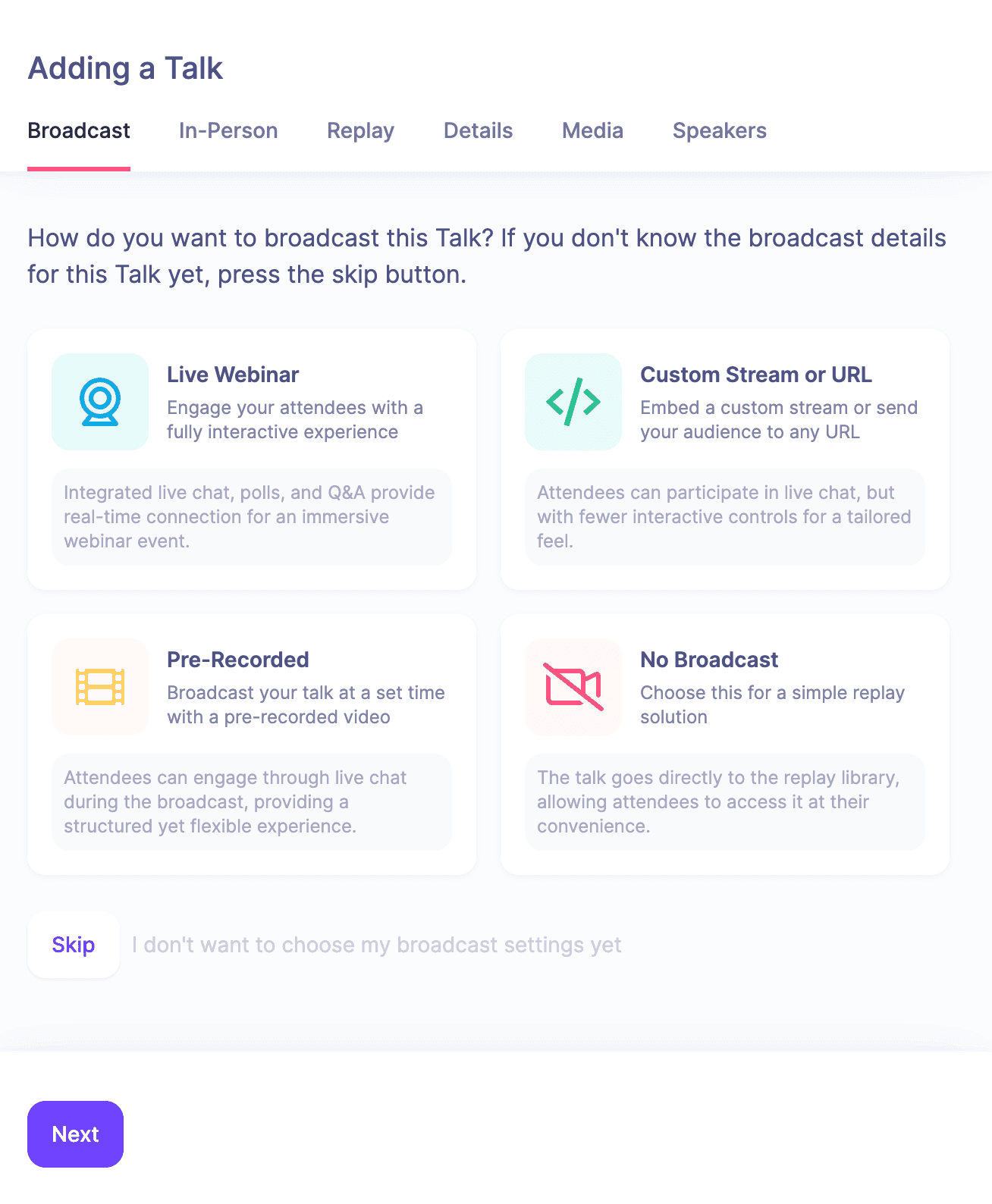
Recurring programmes deserve a clone test. The current HeySummit event-cloning guide documents that the main setup and content can be copied into a new unpublished event while attendees, purchase history, registrations, and the original custom domain are not copied. Whatever platform you evaluate, ask for the same level of specificity: what is duplicated, what is deliberately excluded, and what staff must review before publishing.
Do not reduce accessibility to a checkbox
The W3C Web Accessibility Initiative's event checklist recommends choosing accessible remote platforms and venues, preparing accessible materials, planning captions or transcripts, asking participants about access needs, considering schedules and breaks, and giving speakers accessibility guidance.
Turn that guidance into demo tasks. Navigate registration with a keyboard. Check labels and error messages. Ask who provides captions and transcripts. Inspect the attendee experience on mobile. Confirm how accommodation requests are captured and routed. For an in-person or hybrid programme, evaluate the venue and event-day process separately. A software vendor can provide useful features and evidence without guaranteeing that your whole event is legally compliant.
Map purpose, fields, and failure recovery
The ICO's purpose-limitation guidance says organisations should be clear from the outset about why they collect personal information, document that purpose, explain it to people, and only reuse information for a compatible purpose with an appropriate lawful basis. This is not legal advice, but it gives buyers a practical rule: every registration field and downstream handoff needs a named purpose and owner.
Draw the data flow in both directions. Show what comes from the AMS or CRM into the event, what the attendee supplies during registration, and what returns after the event. Include unique identifiers, field mappings, consent or communication preferences, deduplication, retention, deletion, retries, and manual recovery.
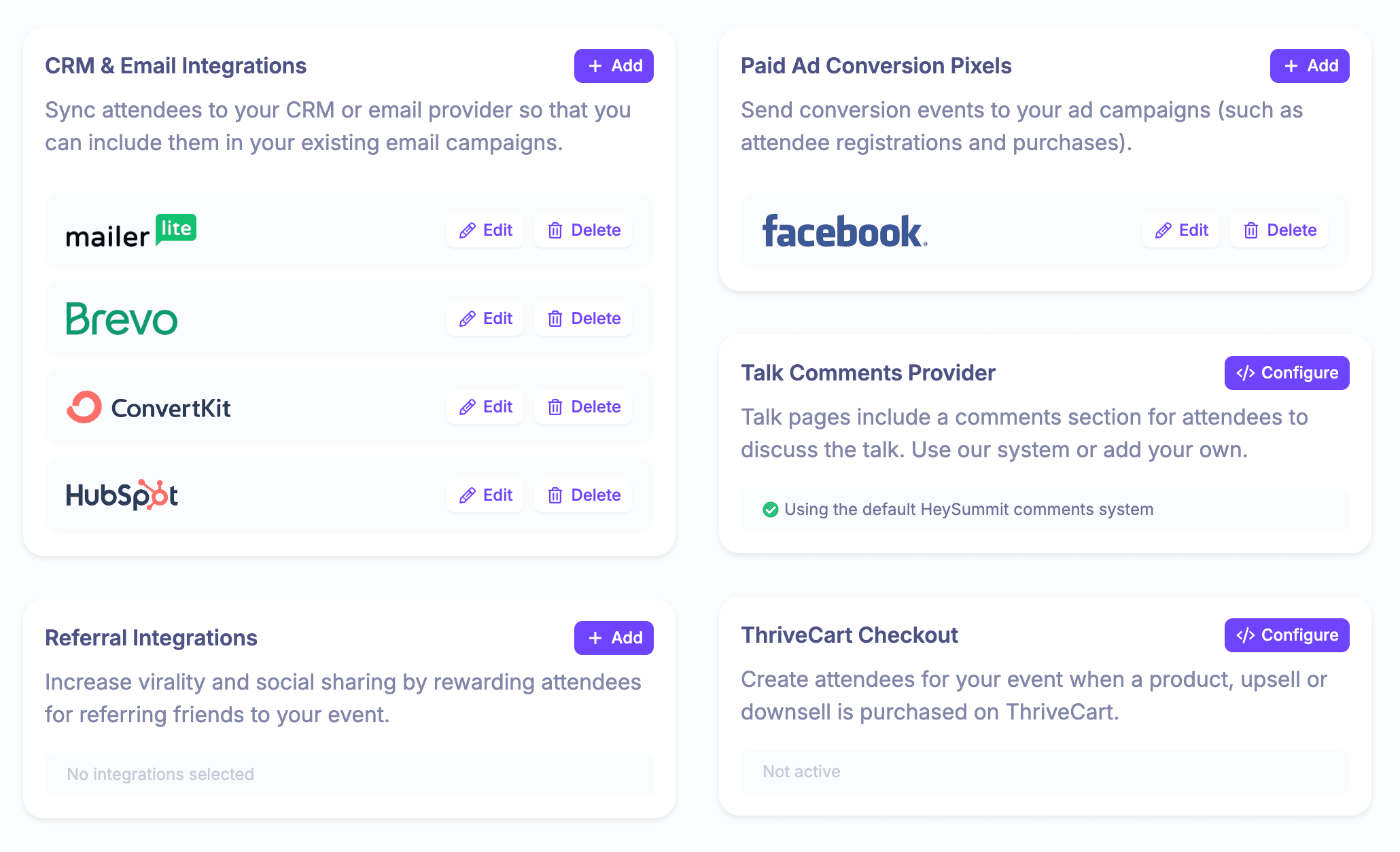
For example, HeySummit's current HubSpot integration guide documents new-attendee sync, mapping custom registration answers and attendee fields, and a background resync for eligible attendees. Its outgoing webhook guide documents selected dashboard actions and separate API-created subscriptions. Those are useful event-to-CRM and event-to-automation mechanisms; they should not be described as universal AMS sync.
If a native connector does not fit, compare CRM and revenue integrations, a no-code workflow, webhooks, an API, or a controlled CSV process. The right answer is the simplest handoff that preserves ownership and gives staff a safe recovery path.
Choose one of three valid buying paths
1. Use the event module inside your AMS
This path is strongest when member status, dues, renewals, chapters, certification, directories, and relationship history dominate the workflow. It may reduce integration work because identity and eligibility already live in the same system.
Test it carefully if your programmes need sophisticated public event pages, multi-speaker operations, paid access, sponsors, mixed broadcast providers, replay packaging, or a high-quality attendee journey. An AMS event module can be the right answer without being the best event experience.
2. Connect an event-first platform to the AMS or CRM
This path fits when the event experience is the hard job: recurring webinars and workshops, summits, conferences, member education, multiple speakers, sponsors, tickets, video providers, and replays. The AMS or CRM remains the member source of truth while the event platform runs delivery and returns agreed data.
HeySummit belongs in this branch. Its public product supports online, hybrid, and in-person event formats, event pages, registration, event ticketing, speaker management, sponsor visibility, communications, integrations, reporting, and replay or on-demand workflows. The integration design still needs to be proven field by field.
3. Buy an enterprise conference or onsite suite
Choose this branch when the expensive risks live at the venue: native mobile apps, badge printing, kiosks, exhibitor lead retrieval, floor plans, room blocks, appointment matching, onsite hardware, or large event-service teams. These requirements may justify more implementation, services, and procurement than a smaller recurring programme needs.
Do not shortlist HeySummit as the replacement for those specialist onsite capabilities. It can support in-person and hybrid event journeys, but it is not positioned as a native badging, exhibitor lead-retrieval, venue, hotel, or white-label mobile conference suite.
When HeySummit is a strong fit for an association
HeySummit is worth a workflow-based trial when your association runs branded webinars, workshops, online summits, member-education programmes, paid events, sponsor-supported series, hybrid experiences, or replay libraries—and your AMS or CRM can remain the member system of record.
The fit is strongest for lean teams that want one operational hub for the event journey without buying enterprise onsite complexity. Use the HeySummit product tour to inspect the multi-feature workflow, then test the exact registration, data handoff, format, speaker, sponsor, email, and reporting requirements from your scorecard.
HeySummit is not the system to choose when the primary job is membership billing and renewals, chapter or directory management, certification and credit records, a native conference app, badge-printing hardware, exhibitor lead retrieval, hotel blocks, or complex venue operations. Keeping that boundary explicit makes a good-fit decision more credible.
Run this 45-minute demo test
- Build one representative event. Use your real programme shape, not a polished vendor template.
- Register a member and non-member. Show how eligibility or pricing is established, including any manual step.
- Add a speaker and sponsor. Confirm what each person can provide or edit and what staff must chase.
- Apply one ticket or access rule. Test the attendee journey from registration to the correct live or replay content.
- Map two fields into a test CRM record. Confirm identifiers, consent, direction, duplicates, and any plan gate.
- Trigger a follow-up. Show which system sends it and how communication preferences are respected.
- Discuss a correction and failed handoff. Ask who sees the error, how a record is retried, and how staff confirm recovery.
- Answer one reporting question. Trace the figure to its definition and export the underlying data.
- Clone the event. List what carries over, what does not, and what needs review.
Ask the vendor to label each requirement as native, integrated, add-on, service-assisted, planned, or unavailable. Put the answer and evidence in your decision sheet. “Yes, we support that” is not the same as a tested workflow.
Copyable final decision sheet
| Requirement | Priority | Owner | Tested | Evidence | Risk or workaround |
|---|---|---|---|---|---|
| Programme setup and repeatability | Must / preferred / specialist / not needed | Named system and person | Yes / no | Link, export, recording, or contract | Open issue and owner |
| Registration, eligibility, tickets, and payments | |||||
| Formats, access, and accessibility | |||||
| Speakers, sponsors, and communications | |||||
| AMS or CRM data handoff and recovery | |||||
| Reporting and exports | |||||
| Implementation, support, security, and total cost |
Add an implementation owner, final decision, and review date below the table. If two platforms remain close, pilot the one with the riskiest handoff—not the one with the smoothest sales demo.
Choose the event layer that makes ownership clearer
The best association event software is not the product with the longest feature list. It is the layer that passes your real programme test, preserves clear ownership of member data, gives staff a recovery path, and leaves specialist requirements in the right systems.
If an event-first platform fits that model, see how HeySummit works. Then review current HeySummit pricing alongside every integration, service, add-on, and staff cost in your shortlist.
Frequently asked questions
Table of Contents
The short answer: keep member records and event delivery separateWhat association event management software is—and is notStart with the programme, not the feature listAssociation event software buyer checklistChoose one of three valid buying pathsWhen HeySummit is a strong fit for an associationRun this 45-minute demo testCopyable final decision sheetChoose the event layer that makes ownership clearerFrequently Asked QuestionsTry HeySummit free
HeySummit is the easiest way for creators and educators to grow their audience, authority and revenue with professional online events created in minutes, not weeks.
Share this article on:
Recent Posts
Loading feed...