40 Community Event Ideas for Every Audience and Format

Astley Cervania
Content Contributor, HeySummit
Community events work best when the idea fits the people, the setting, and the outcome you want. A neighborhood cleanup, online workshop, youth showcase, family festival, and fundraiser can all be "community events", but they need different planning choices.
This guide gives you 40 community event ideas grouped by audience, format, effort, and goal. It also shows how to adapt an idea for online, hybrid, or in-person participation so your event is easier to promote, run, and measure.
What counts as a community event idea?
A community event idea is any planned activity that brings people together around a shared place, interest, identity, cause, or goal. The best ideas do more than fill a calendar slot: they help people meet, learn, contribute, celebrate, raise funds, or solve a local problem together.
Use the idea as a starting point, then define four things before you commit: who it is for, how people will participate, what support you need, and what success will look like afterward. The GOV.UK guide to voluntary and community events is a useful reminder to match the amount of planning to the risk and complexity of the event.
Quick community event selector
If you are choosing from a long list, start with the audience and goal. A simple selector prevents the common mistake of picking a fun idea that is too expensive, too complex, or wrong for the people you need to reach.
| Event type | Best audience | Format fit | Effort | Primary goal |
|---|---|---|---|---|
| Neighborhood social | Families, residents, local groups | In-person or hybrid | Low to medium | Connection and trust |
| Skill workshop | Adults, students, creators, volunteers | Online, hybrid, or in-person | Low | Learning and participation |
| Volunteer day | Residents, nonprofits, youth groups | In-person plus online coordination | Medium | Service and visible impact |
| Showcase or open mic | Youth, artists, schools, creators | Hybrid or in-person | Medium | Expression and belonging |
| Fundraiser or benefit | Supporters, donors, partners | Online, hybrid, or in-person | Medium to high | Revenue and support |
For events with mixed audiences, choose one primary audience first. You can still welcome everyone, but the agenda, venue, messaging, ticketing, accessibility choices, and follow-up will be stronger when one group is clearly prioritized.
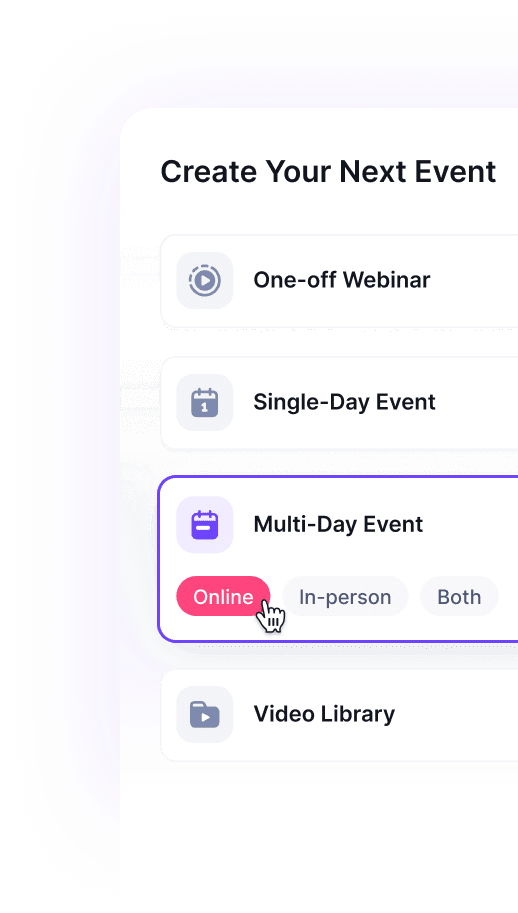
Community event ideas for families
Family community events should be easy to understand, easy to join, and forgiving for people arriving at different times. Keep activities short, visible, and flexible.
1. Family picnic and games day
Host a relaxed picnic with lawn games, craft tables, music, and a clear welcome area. Add optional registration so you can estimate attendance, food needs, and volunteer coverage.
2. Outdoor movie night
Pick a family-friendly film, invite local food vendors, and create a simple seating plan. If licensing or weather is a concern, run a smaller indoor watch party or stream a legal online screening with a live chat.
3. Community garden day
Bring families together to plant, clean, label, or harvest. This works well when paired with a short educational talk about food, sustainability, or local history.
4. Local history walk
Invite a local historian, teacher, elder, or community member to lead a route through meaningful places. Offer a simple map or digital guide for people who want to join later.
5. Neighborhood recipe swap
Ask households to share one recipe and the story behind it. You can run this as a potluck, online recipe exchange, or hybrid cook-along.
6. Family STEM fair
Create hands-on stations for simple science, coding, robotics, or maker projects. Keep each activity under 15 minutes so children can rotate without pressure.
7. Seasonal craft market
Invite local makers, families, students, and community groups to sell or display crafts. Use clear booth details, setup times, and access information so vendors know what to expect.
8. Community sports day
Mix low-pressure races, team games, and all-ability activities. Include quiet spaces and non-competitive options so the event is welcoming for more families.
Community event ideas for youth
Youth events work best when young people help shape the agenda. Build in choice, visibility, and roles that let participants contribute rather than only attend.
9. Youth open mic
Host short performances for music, poetry, comedy, storytelling, or spoken word. Make the sign-up process simple, set clear content expectations, and assign a supportive host.
10. Student maker showcase
Let young people display projects, art, apps, videos, crafts, research, or business ideas. A hybrid format can include recorded demos for family members who cannot attend in person.
11. Career taster panels
Invite local professionals to speak in short, practical sessions. Instead of a long lecture, ask each guest to explain what they do, how they got there, and one thing they wish they had known earlier.
12. Youth volunteer sprint
Plan a short service project with a visible finish line: packing supplies, writing cards, cleaning a shared space, or supporting a local cause. The NCVO guidance on involving volunteers is a useful reference for thinking through roles, support, and expectations.
13. Community art wall
Create a legal mural, temporary art wall, or digital gallery around a shared theme. Invite youth participants to help choose the theme and explain the finished work.
14. Digital safety workshop
Run a practical session on privacy, online scams, respectful communication, or content creation. This can work especially well online because participants are already in the environment being discussed.
15. Youth debate or town hall
Give young people a structured forum to discuss issues that affect them. Publish the questions beforehand, set respectful discussion rules, and invite decision-makers only if they can listen seriously.
16. Mentor speed networking
Pair young people with mentors for short conversations. Use topic tables such as college, apprenticeships, creative work, entrepreneurship, volunteering, and confidence.
Community event ideas for adults
Adult community events often compete with work, care, and travel commitments. Give people a clear reason to attend, a predictable schedule, and a simple way to follow up.
17. Skill-share evening
Invite community members to teach short sessions: budgeting, home repair, writing, photography, cooking, public speaking, software, or local services. A hybrid setup lets speakers and attendees join from home.
18. Local business meetup
Create a practical networking event for business owners, freelancers, creators, and community organizations. Keep it useful with structured introductions and one focused discussion question.
19. Wellbeing and resource fair
Bring together local support services, nonprofits, health resources, financial guidance, and community groups. Avoid making sensitive services feel exposed by offering private signposting options.
20. Book or film discussion
Choose a theme that connects to your community, then host a facilitated discussion. Online discussion rooms can make this easier for people with limited transport or childcare.
21. Civic listening session
Run a structured conversation around a local issue. Make it clear whether the session is for consultation, education, relationship-building, or decision-making so expectations stay realistic.
22. Repair cafe
Invite volunteers to help repair small items, clothing, bikes, or electronics. Keep safety rules clear and separate advice from work that requires a licensed professional.
23. Community cooking class
Host a cooking session around budget meals, cultural recipes, seasonal ingredients, or healthy options. A hybrid version can send ingredients or shopping lists in advance.
24. Local creator demo night
Give artists, educators, founders, authors, or makers a short slot to show what they are building. Use timed demos and a simple feedback form to keep the event moving.
Online and hybrid community event ideas
Online and hybrid community events are useful when your audience is spread out, busy, mobility-limited, or unable to attend at one location. The key is to design participation intentionally rather than simply streaming an in-person agenda.
If online participation matters, decide which parts need to be live, which can be recorded, and how remote attendees can ask questions or contribute. HeySummit's online events, hybrid events, and online, hybrid, and in-person event formats pages are useful next stops when the format itself is the planning challenge.
25. Virtual community workshop
Teach one practical skill in 45 to 60 minutes. Keep the group active with polls, chat prompts, worksheets, breakout rooms, or a shared document.
26. Hybrid panel discussion
Bring together local voices, subject experts, or community members for a focused conversation. Assign one moderator to the room and one to online questions so remote attendees are not forgotten.
27. Online fundraiser
Run a benefit show, expert session, mini-conference, or donation drive. Use clear event ticketing or donation flows and show people exactly what their contribution supports.
28. Digital resource fair
Give each partner or organization a short presentation slot, downloadable resource, and Q&A window. This works for health services, education, local business, nonprofits, or community support.
29. Community AMA
Invite a leader, expert, creator, or local organization to answer questions. Collect questions before the event and publish a short replay or written summary afterward.
30. Hybrid showcase
Combine in-person performances or demos with online viewing, chat, and replay access. This is a strong option for schools, youth groups, creators, and community arts programs.
31. Online challenge week
Run a five-day challenge around movement, creativity, learning, sustainability, fundraising, or volunteering. Each day needs one small action and one place for participants to share progress.
32. Virtual coffee mixer
Use short breakout conversations to connect people who might not meet otherwise. Give each room a prompt so the event feels warmer than a blank networking call.
Community event ideas for fundraising and partnerships
Fundraising and partner-led events need an extra layer of clarity. Explain where money goes, what partners receive, what attendees get, and how you will report results afterward.
33. Benefit workshop
Ask an expert to teach a useful topic and donate ticket revenue or a portion of proceeds. Keep the offer specific so people understand both the value and the cause.
34. Community auction
Collect donated items, services, experiences, or mentoring sessions. Publish auction rules, deadlines, payment options, and fulfillment details before bidding opens.
35. Sponsor-supported resource day
Invite relevant sponsors to support a useful community event such as a job fair, wellness day, creator workshop, or education series. Give sponsors clear visibility without letting the event become a sales pitch.
36. Ticketed mini-summit
Host a half-day online or hybrid event with several short sessions. This can work well for community education, creator groups, professional associations, or nonprofits that want a focused paid event.
37. Local pledge drive
Set a simple goal, explain the timeline, and show progress throughout the event. Pair the drive with useful programming so supporters feel part of something active.
38. Partner demo day
Let community partners show practical resources, tools, services, or opportunities. Give each partner a tight format: problem, who it helps, how to access it, and one next step.
39. Community awards night
Recognize volunteers, educators, organizers, creators, or local businesses. Keep nominations fair, transparent, and rooted in specific contributions.
40. Replay access fundraiser
Package recorded sessions, workshops, or talks as a paid replay library. This can extend the value of an online or hybrid event after the live date.
How to choose the right community event idea
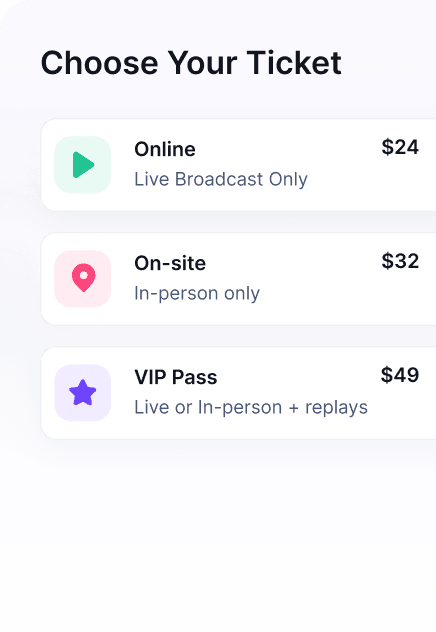
Start with the audience, not the activity. A good idea for families may fail for adults with limited time. A great in-person event may exclude people who need remote access. A fundraising idea may underperform if the cause, offer, and checkout path are unclear.
- Define the audience. Decide whether the event is mainly for families, youth, adults, volunteers, partners, donors, members, or the wider public.
- Choose one primary goal. Pick connection, education, service, awareness, fundraising, feedback, or conversion.
- Match the format. Use flexible event formats when online, hybrid, and in-person participation all need different access rules.
- Check effort and risk. Venue, weather, safeguarding, accessibility, payments, permits, food, transport, and volunteers can change the complexity quickly.
- Plan the follow-up. Decide what attendees, sponsors, volunteers, and partners should receive after the event.
For accessibility, plan from the beginning rather than treating it as a late fix. The ADA.gov digital accessibility guidance and the ADA title II primer are useful starting points for public-sector and public-service contexts, while local venues and legal requirements may add further responsibilities.
Planning checklist for community events
Once you have the idea, use a checklist to keep the event practical.
- Registration: collect the right information without making sign-up feel heavy.
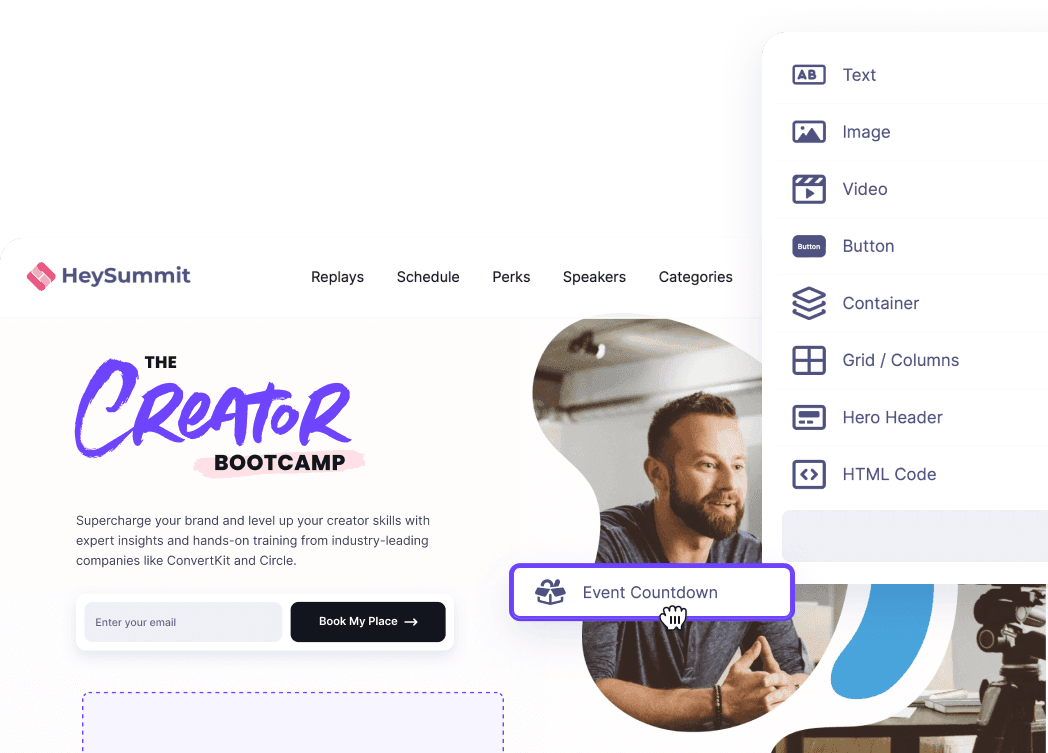
- Event page: use an event landing page builder to show the audience, date, format, location, access details, agenda, and CTA clearly.
- Budget: list venue, equipment, staff, speaker, insurance, payment, accessibility, marketing, and contingency costs.
- Volunteers: write simple roles, arrival times, escalation contacts, and support expectations.
- Safety: use risk-appropriate planning. The Health and Safety Executive guidance for volunteering is a practical reference for keeping volunteer work proportionate and sensible.
- Emails: send confirmations, reminders, access details, and post-event follow-up with event reminder emails.
- Measurement: decide how you will track attendance, registrations, revenue, feedback, partner value, and next actions.
How to measure success after a community event
Community event success is not always a single number. Choose metrics that match the event's purpose.
- Connection: registrations, attendance, repeat attendance, introductions, discussion participation, or new member sign-ups.
- Learning: workshop completion, questions asked, resources downloaded, replay views, or confidence survey responses.
- Service: volunteers, hours contributed, items collected, tasks completed, or partner follow-up.
- Fundraising: ticket revenue, donations, sponsor contributions, average order value, or replay purchases.
- Future demand: waitlist sign-ups, email subscribers, demo requests, survey opt-ins, or interest in the next event.
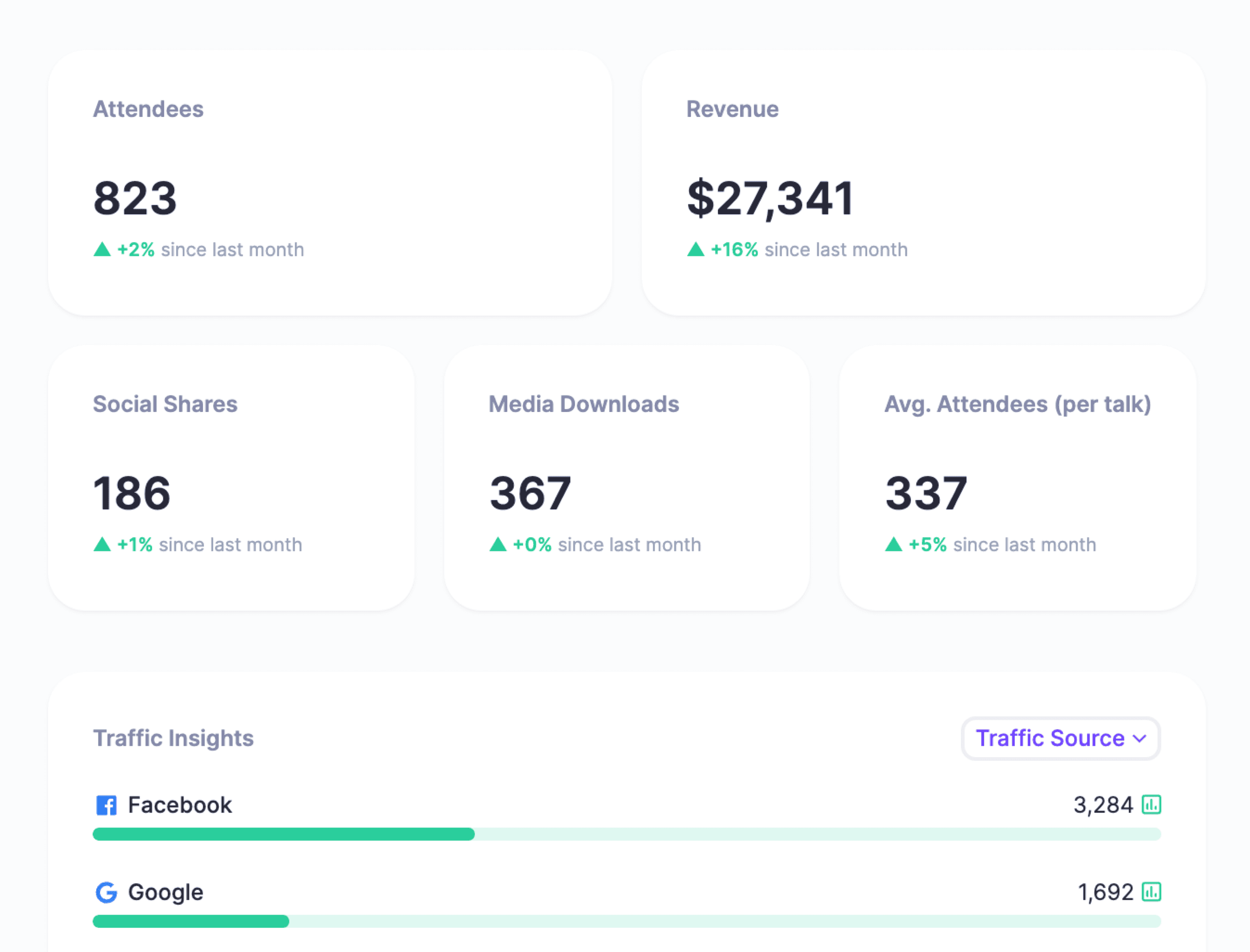
Use event analytics to connect registrations, attendance, ticketing, email engagement, and sponsor reporting. If you want broader product context, the HeySummit product tour shows how event pages, registration, formats, email, ticketing, and reporting fit together.
Turn the idea into a real event
A strong community event idea gives people a reason to gather. A strong event plan makes it easy for them to say yes, show up, participate, and keep the connection going afterward.
Choose one idea, define the audience and goal, pick the right format, then build the registration, reminder, and follow-up flow around that choice. If your community includes people who cannot all attend in the same place, it is worth thinking through why an online event or hybrid format might help you reach them without making the event harder to run.
HeySummit can help you create event pages, manage registration, run online or hybrid sessions, sell tickets, send event emails, and review performance from one connected workflow.
Frequently asked questions
Table of Contents
What counts as a community event idea?Quick community event selectorCommunity event ideas for familiesCommunity event ideas for youthCommunity event ideas for adultsOnline and hybrid community event ideasCommunity event ideas for fundraising and partnershipsHow to choose the right community event ideaPlanning checklist for community eventsHow to measure success after a community eventTurn the idea into a real eventFrequently Asked QuestionsTry HeySummit free
HeySummit is the easiest way for creators and educators to grow their audience, authority and revenue with professional online events created in minutes, not weeks.
Share this article on:
Recent Posts
Loading feed...